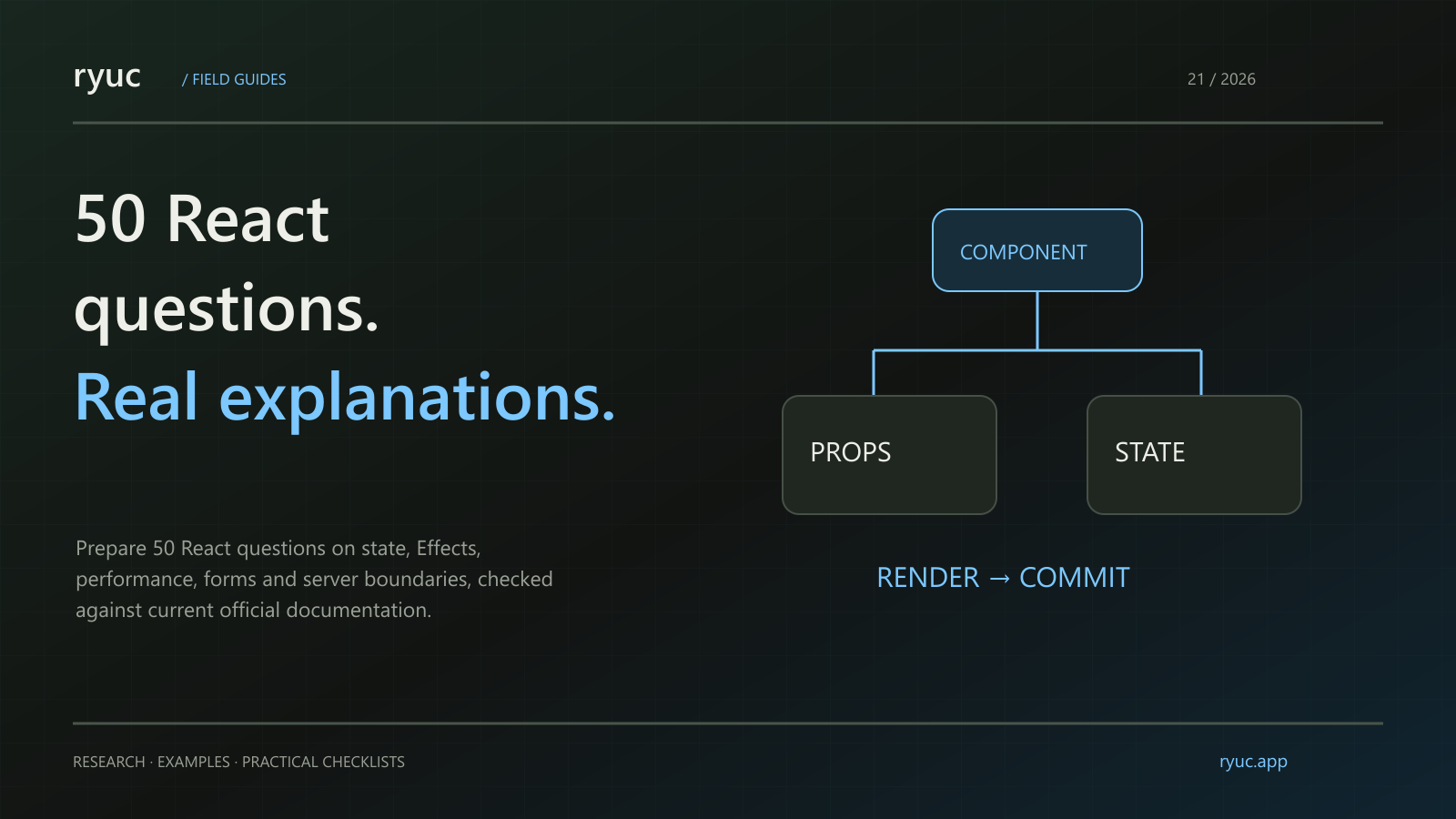
React interview preparation is easier when you can explain why an interface behaves as it does. Knowing a Hook's name is useful; understanding a stale closure, a reset caused by a key or an unnecessary Effect is more useful under follow-up questions.
Short answer: Prepare fundamentals, state, Effects, performance and the boundaries between client, server and framework features. This guide contains exactly 50 React interview questions and answers for a 2026 study plan.
Verification: We checked current official React documentation on 27 October 2026. These are editorial practice questions, not a surveyed ranking or a claim that named companies ask this exact list. Version-sensitive APIs require matching React and framework support. The small snippets are illustrative rather than a separately deployed example app.
Components and rendering
1. What is React?
React is a library for describing user interfaces through components. You describe the UI for the current inputs and state, and React manages rendering and committing the necessary changes. Routing, deployment and a complete data architecture are separate choices, often supplied by a framework. Source: React reference.
2. What is JSX?
JSX is a syntax extension used to describe UI in JavaScript or TypeScript. A build step transforms it into calls understood by the React runtime. It resembles HTML, but it follows JavaScript expression rules and React's component and property conventions.
3. What is the difference between a component and an element?
A component defines reusable UI behavior, commonly as a function. An element is a description of UI produced when that component or a built-in tag is used. React decides when to render component functions; do not treat them as ordinary helper functions to call arbitrarily.
4. How are props different from state?
Props are inputs supplied by a parent. State is information React retains for a component instance across renders. Treat both as read-only snapshots during rendering. A child should not mutate a prop to communicate a change; use an agreed callback or shared state owner.
5. What does rendering purity mean?
Given the same relevant inputs, rendering should calculate UI without changing external systems or mutating shared inputs. Side effects belong in appropriate event handlers or synchronization logic. Purity makes repeated or interrupted rendering safe and helps React reason about optimizations.
6. What are the render and commit phases?
During rendering, React calculates what the UI should be. During commit, it applies the necessary changes to the host environment, such as the DOM. A render does not mean every DOM node was recreated, and render work should not depend on a side effect happening immediately.
7. Why do lists need keys?
Keys help React identify sibling items across renders. Use a stable identity from the data when available. A key is not a global identifier or an ordinary prop automatically passed to the child. It helps determine which component state belongs to which item.
8. Why can an array index be a poor key?
If items are inserted, removed or reordered, an index can identify a position rather than the same logical item. React may preserve state for the wrong item. The risk depends on the list's behavior; explain that behavior instead of saying an index is always forbidden.
9. What is a Fragment?
A Fragment groups children without adding an extra DOM wrapper. The short syntax is <>...</>. When a grouped list item needs a key, use the explicit Fragment form that accepts one. A Fragment is useful when an extra element would alter layout or semantics.
10. How does conditional rendering work?
Use normal JavaScript expressions or control flow to choose UI. Watch expressions such as count && <Badge />: when count is zero, the expression can render zero. Prefer an explicit condition when that is not the intended output. Keep Hook calls outside ordinary conditional branches.
State and data flow
The following questions build on React's state-snapshot explanation and Hook reference.
11. What does useState return?
It returns the current state value and a setter that requests an update. The current render keeps its snapshot even after the setter is called. The next value appears in a later render; do not expect a variable in an existing handler to change in place.
12. Why does logging state after setting it show the old value?
The handler belongs to a render and reads that render's snapshot. Calling the setter schedules an update; it does not rewrite the local variable. If you need the value you are proposing, calculate it explicitly, or use the next render to observe the committed state.
13. When should you use a functional state update?
Use it when the next state depends on the previous queued state. For example, setCount(previous => previous + 1) expresses that dependency. It is particularly useful for multiple queued updates or callbacks that should not rely on an older captured value.
14. What is batching?
React can group state updates before rendering the result, avoiding unnecessary intermediate work. Multiple calls that use the same captured value are not equivalent to multiple functional increments. Explain the queued updates rather than assuming each setter immediately causes a separate completed render.
15. Why should state objects and arrays be treated immutably?
Create a new value rather than changing an existing state snapshot. Mutation can make previous renders and references disagree about what data represented. Use appropriate array operations and copy only the parts that change; immutability does not require deep-cloning the entire application on every update.
16. What does lifting state up mean?
Move shared state to the nearest suitable common owner so several components can receive a consistent value and callbacks. Do not move every local detail to the application root. Choose an owner based on who needs to read and update the information.
17. When should you avoid storing derived state?
If a value can be calculated reliably from current props or state during rendering, storing another copy can create synchronization problems. For example, a filtered list can often be calculated from the list and filter. Add a cache only when measurement shows the calculation needs optimization.
18. When is useReducer useful?
It centralizes state transitions in a reducer when several related actions or update rules are becoming difficult to follow. Dispatch describes an action; the reducer returns the next state. It does not automatically make state global or replace the need for a clear data owner.
19. What does Context do?
Context lets descendants read a value from a matching provider without passing that value through every intermediate component. It is useful for shared concerns such as a theme. It is not an automatic performance solution, and a changing provider value can update consumers that read it.
20. How is useRef different from state?
A ref retains a mutable value across renders, but changing its current value does not request a render. Use it for information such as a DOM reference or timer identifier. If a change should affect the visible UI, state is usually the relevant mechanism.
Hooks, Effects and synchronization
These answers follow the Rules of Hooks and Effect guidance.
21. What are the Rules of Hooks?
Ordinary Hooks are called at the top level of a component or custom Hook, before conditional returns. Do not call them inside loops, event handlers or arbitrary functions. React's use API has specifically documented exceptions; do not apply those exceptions to useState or useEffect.
22. What does a custom Hook share?
It shares reusable stateful logic, not automatically one shared state instance. Two calls can have independent state. Use a custom Hook to express a reusable synchronization or behavior pattern, while keeping the ownership and inputs clear.
23. What is useEffect for?
Use it to synchronize with an external system after React commits. Examples include subscriptions and browser or third-party APIs. Do not use an Effect merely to calculate a value from existing state or to respond to an event that already has an appropriate handler.
24. How does the dependency array work?
It describes the reactive values used by the Effect that determine when synchronization needs updating. Include the values the Effect actually depends on. Removing a dependency to silence a warning can leave the Effect using stale information; change the design rather than hiding the dependency.
25. Why is cleanup important?
Cleanup undoes the setup for the previous synchronization, such as removing a listener or closing a connection. React runs cleanup before the relevant Effect runs again and when the component unmounts. Design setup and cleanup as a matched pair rather than assuming setup runs only once forever.
26. Why can Strict Mode appear to run work twice?
Development Strict Mode adds checks that can include extra rendering and an extra Effect setup-cleanup cycle. These checks help reveal impure rendering or missing cleanup. They are not a reason to remove cleanup or assume that a production duplicate request has the same cause.
27. How does useLayoutEffect differ from useEffect?
useLayoutEffect runs before the browser repaints and can be useful for layout measurement that must avoid visible flicker. It can block painting, so use it sparingly. Do not reduce ordinary Effect timing to an unconditional claim that it always runs after every paint.
28. What is a stale closure?
A callback can retain values from the render in which it was created. If later work assumes those values are current, behavior can be stale. Depending on the task, correct dependencies, functional updates, refs or a different synchronization design can address the problem.
29. How do you avoid a race between data requests in an Effect?
Ensure an older response cannot overwrite the result for a newer input. Depending on the API, cancel obsolete work or ignore its result during cleanup. Also consider framework-supported data loading, caching and error handling instead of rebuilding the full request lifecycle in every component.
30. What is useEffectEvent for?
It separates non-reactive logic used by an Effect so that logic can read current values without making them synchronization dependencies. Effect Events are local to the Effect-related use described by the API; do not pass them around as ordinary event callbacks or use them to conceal real dependencies. Source: useEffectEvent.
Performance and loading
The Hook reference, Compiler overview and Suspense documentation describe these mechanisms and their different purposes.
31. What does memo optimize?
It can let React skip rendering a component when its props are unchanged according to the comparison in use. It is a performance optimization, not a guarantee that rendering never happens. State and context changes can still matter, and unstable object or function props can defeat an intended optimization.
32. What does useMemo cache?
It caches a calculation result between renders while its dependencies are unchanged. Use it for a measured expensive calculation or a useful stable reference. Do not rely on it as permanent storage or a correctness guarantee; the code should remain correct if the result is recomputed.
33. What does useCallback cache?
It caches a function definition's identity according to dependencies. That can help an optimized child or an Effect that genuinely depends on the function. It does not prevent the function from being called or make an expensive function body run faster.
34. What changes when React Compiler is configured?
The Compiler is a build-time optimization tool that can automatically memoize compatible components and values. It must be part of the configured toolchain; merely using a recent React version does not prove your code was compiled. Measure performance and follow the supported rules rather than removing every manual optimization blindly.
35. What is a transition?
A transition marks an update as non-blocking so more urgent work can interrupt it. It is useful when expensive UI work should not block an interaction. It is not a general debounce timer, and the state controlling a text input should remain responsive rather than being deferred as a transition.
36. What does useDeferredValue do?
It lets a non-critical part of the UI use a deferred version of a value while more urgent work updates. It does not impose a fixed delay or automatically prevent network requests. Explain the user-visible behavior you want before choosing it instead of debouncing or data caching.
37. What does Suspense handle?
It displays a fallback when descendants suspend through supported mechanisms, such as lazy-loaded code or supported data resources. It does not automatically detect arbitrary fetching started in an Effect. The surrounding framework and resource integration matter. Source: Suspense.
38. How do lazy and Suspense work together?
lazy defers loading a component's code until it is rendered. A Suspense boundary can show a fallback while the module loads. Loading failure and loading progress are different states, so an application also needs suitable error handling.
Client, server and forms
For this group, distinguish React APIs from the framework and bundler support described in the Server Components documentation and React DOM form reference.
39. How do client rendering and server rendering differ?
Client rendering produces the UI in the browser. Server rendering generates HTML before it reaches the browser, often followed by hydration for interactivity. Neither label alone determines the application's entire data, caching or deployment model.
40. What is hydration?
Hydration connects React behavior to HTML already generated on the server. The initial client output needs to match that HTML. Values that differ between server and initial browser rendering can cause mismatches; investigate the cause rather than automatically suppressing the warning.
41. Are Server Components the same as server-side rendering?
No. Server Components run in an environment separate from the client bundle and can compose with client components. Server-side HTML rendering is a related but distinct process. Using Server Components requires appropriate framework or bundler support; a plain client app does not gain them from a component's filename alone.
42. What does use client mean?
The directive establishes a client-module boundary in a compatible Server Components environment. It does not mean the component can never contribute to server-generated initial HTML. Explain which modules cross the boundary and which browser-only behavior actually runs on the client.
43. What does the use API do?
It reads a supported resource, such as a Promise or context, during rendering. Unlike ordinary Hooks, it can be called conditionally in the documented cases, but it must remain in a component or Hook context and should not be wrapped in try/catch for Promise handling. Use Suspense and error boundaries appropriately. Source: use.
44. What is a controlled input?
Its displayed value is driven by React state or props and updated through an event handler. An uncontrolled input keeps its current value in the DOM and can be read through form submission or a ref. Avoid unintentionally switching the same input between controlled and uncontrolled behavior.
45. What are form Actions?
React DOM can accept a function in a form's action-related props and integrate the submission with Action behavior. Whether a function executes on the server depends on the supported server-function setup; an arbitrary function does not become a secure server endpoint merely because it is assigned to a form.
46. What does useActionState return?
It returns the current Action state, a dispatch function and pending state. The Action receives previous state as part of its signature. For async use, dispatch through an appropriate Action or transition so pending behavior works as documented. Source: useActionState.
47. What is useFormStatus useful for?
It reads submission status for a parent form so a descendant can show a pending state or disable a submit control. Place the consumer within the relevant form structure. It is not a general global signal for every request in the application. Source: form guidance.
48. What does useOptimistic do?
It supports showing a temporary optimistic UI while an Action is pending, based on the underlying value and an optional update function. Make optimistic updates within the supported Action or transition context and plan for failure or correction. Optimistic display does not prove the server operation succeeded. Source: useOptimistic.
Errors, testing and preparation
49. What does an error boundary catch?
It provides fallback UI for supported errors in a descendant rendering tree. It does not replace handling errors in event handlers, arbitrary asynchronous callbacks or backend operations. Place boundaries around meaningful UI areas and preserve a useful recovery and reporting path.
50. What makes a useful React component test?
Test behavior a user depends on: accessible controls, state changes, error states and important interactions. Avoid tests that only repeat implementation details or assume every internal render is a user-visible change. Explain what the test proves and which integration or browser behavior still needs separate verification.
How should you study these fifty questions?
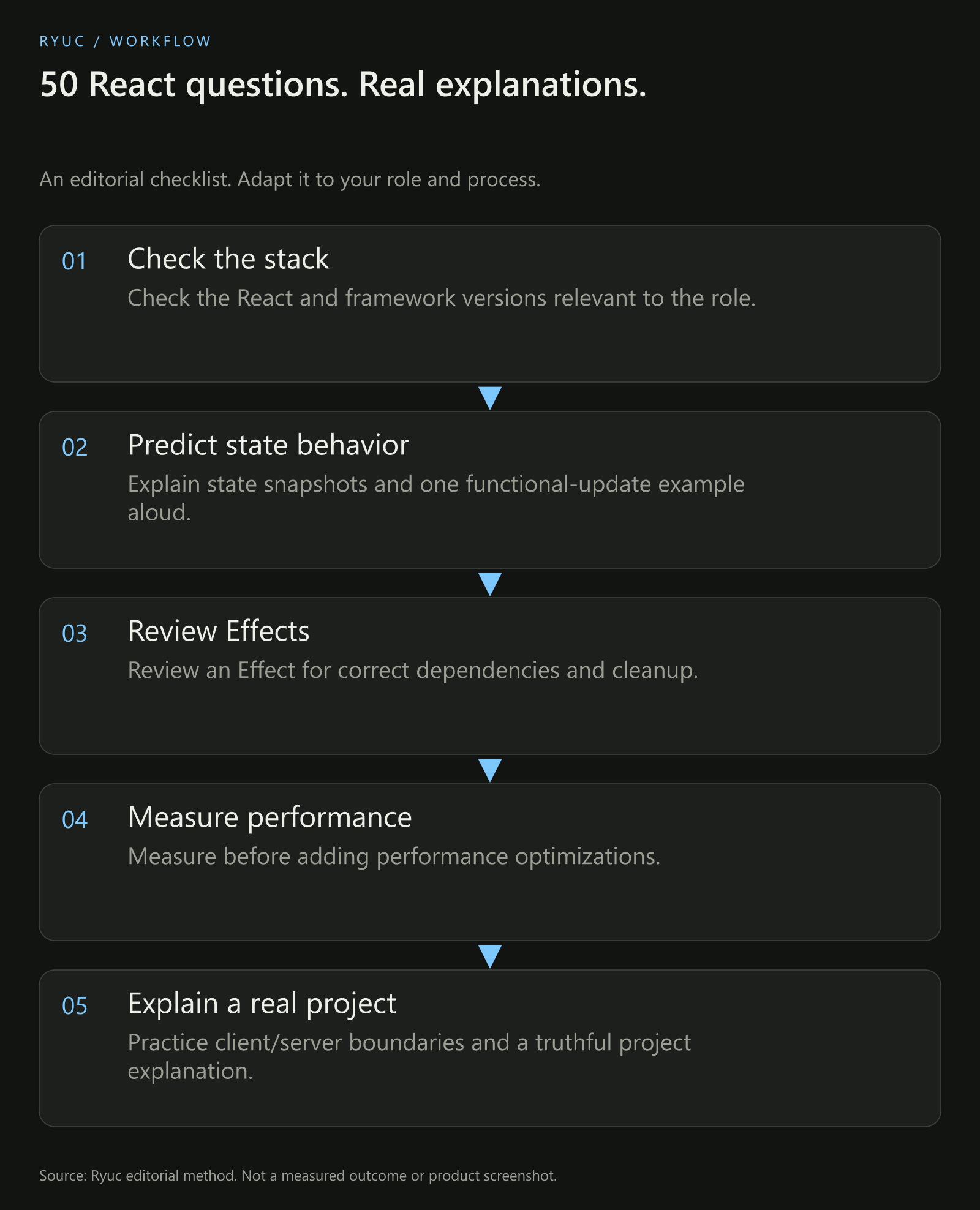
Original study method. The list is editorial practice material checked against official documentation.
Choose a concept, predict a small example's behavior and explain the reason before running it. Then change one condition: reorder a keyed list, queue another update or alter an Effect dependency. Understanding the variation is more valuable than memorizing the original answer.
Connect the concepts to a project you actually built. For broader interview delivery, use the mock-practice plan and prepare questions for the interviewer.
Your next steps
- Check the React and framework versions relevant to the role.
- Explain state snapshots and one functional-update example aloud.
- Review an Effect for correct dependencies and cleanup.
- Measure before adding performance optimizations.
- Practice client/server boundaries and a truthful project explanation.
Download the React interview checklist.
Frequently asked questions
Are these the fifty most-asked questions at every company?
No. This is an editorial study set, not a survey or employer-confirmed question bank. The role, stack and your experience influence what an interviewer asks.
Should beginners study every newer API first?
Start with components, state, data flow, Effects and debugging. Then learn the newer APIs relevant to the role's stack. Knowing a new name is less useful than explaining the behavior of code you actually use.
Does every React app support Server Components and Actions identically?
No. React version, framework, bundler and deployment choices matter. Distinguish a core API from the infrastructure required to use a server-oriented feature safely.