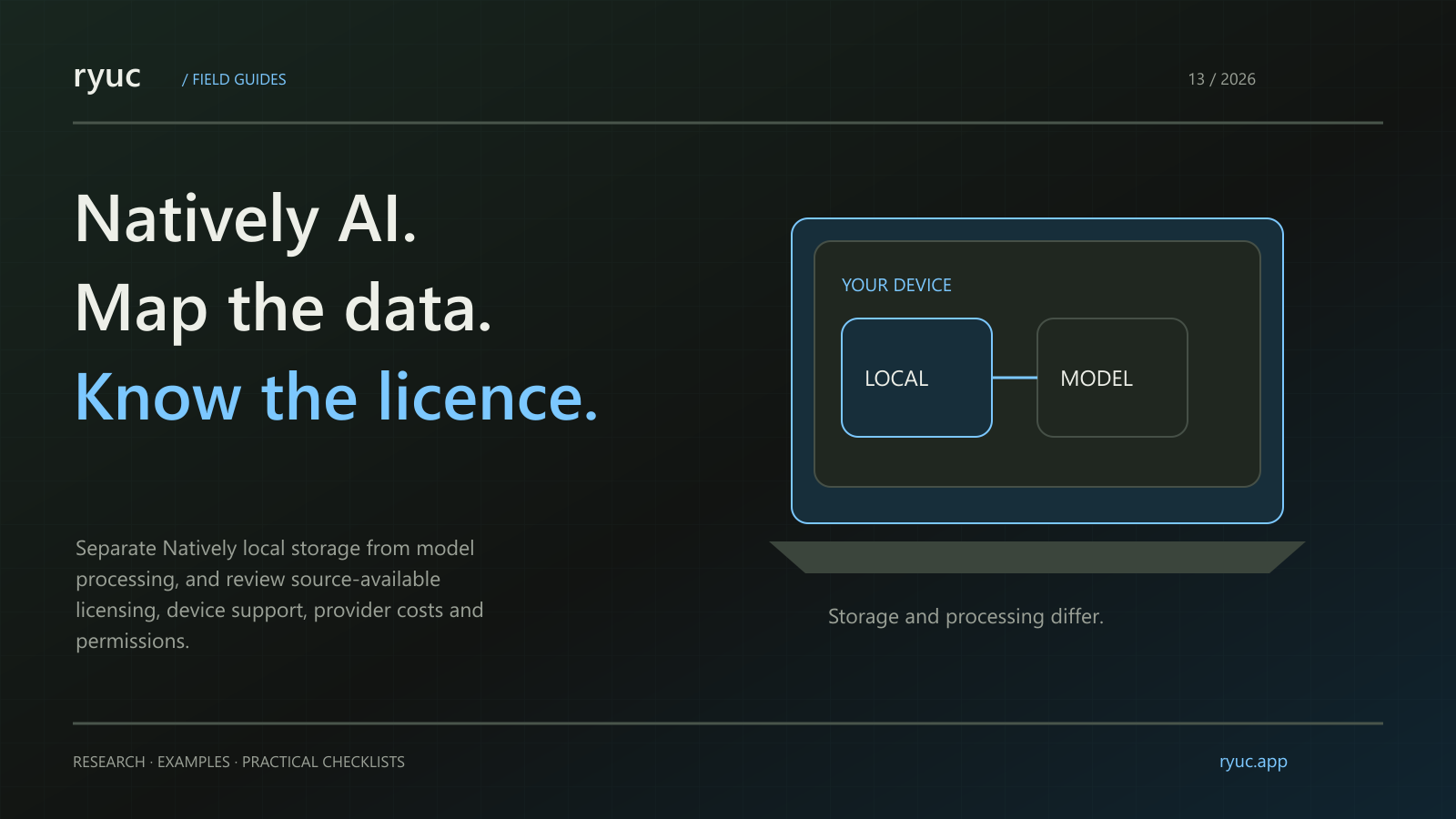
Natively is a meeting and conversation assistant whose public positioning emphasizes running on your own machine. That is useful context, but it does not settle every privacy, licensing or cost question.
Short answer: Separate where the desktop application stores information from where a chosen model processes it. Also distinguish source-available personal-use software from an unrestricted open-source licence.
What we verified: We reviewed Natively's public site and documentation on 27 October 2026. We did not install a build, inspect network traffic or perform a licence or security audit.
What is Natively?
The public description includes conversation-based suggestions, meeting notes, resume and job-description context, and an overlay. The site describes local storage for transcripts and related application data and offers local-model or external-provider options. These are vendor descriptions, not our test findings. Sources: Natively, documentation.
The distinction between a desktop app and a cloud AI service matters when comparing it with products such as Cluely or HuddleMate.
Is Natively open source?
The reviewed site calls the product source-available under a personal-use licence. Do not translate that into a claim that every use, modification or commercial redistribution is allowed. Read the licence for the actual version and proposed use. Source: official site.
Being able to inspect source code can help an evaluation, but it does not mean you have reviewed the code or that the distributed binary exactly matches your assumptions. This article does not make either claim.
Does running locally mean data never leaves the device?
Not necessarily. A desktop application can store transcripts locally while sending input to a selected cloud model provider. Local storage, local inference and telemetry are separate data-flow questions.
Ask which provider handles audio, text, images or embeddings in the configuration you choose. Read the relevant provider terms as well as the application's own documentation. If an entirely local setup is required, verify every part of that setup rather than relying on a general slogan.
Do not upload confidential work merely to test a feature. Begin with fictional material and inspect the configuration before introducing sensitive content.
Is it free?
The reviewed site describes free personal use with a local-model route or your own API keys, and a separate hosted-service option. Your own key can still create charges from the chosen provider, and a local model still requires suitable hardware. Source: Natively FAQ.
Compare the whole cost: device resources, model usage, setup effort and support. A free application download does not necessarily make every configuration cost-free.
What should you verify about device support?
Check the current download for your operating system, the requirements of that build and its audio permissions. The public page we read contained several platform references, so we would not infer that every feature works identically on every system.
Test a permitted practice call with your actual audio setup. Confirm what is captured and how to stop it. Check where transcripts are stored and what deletion removes.
How should you evaluate answer quality?
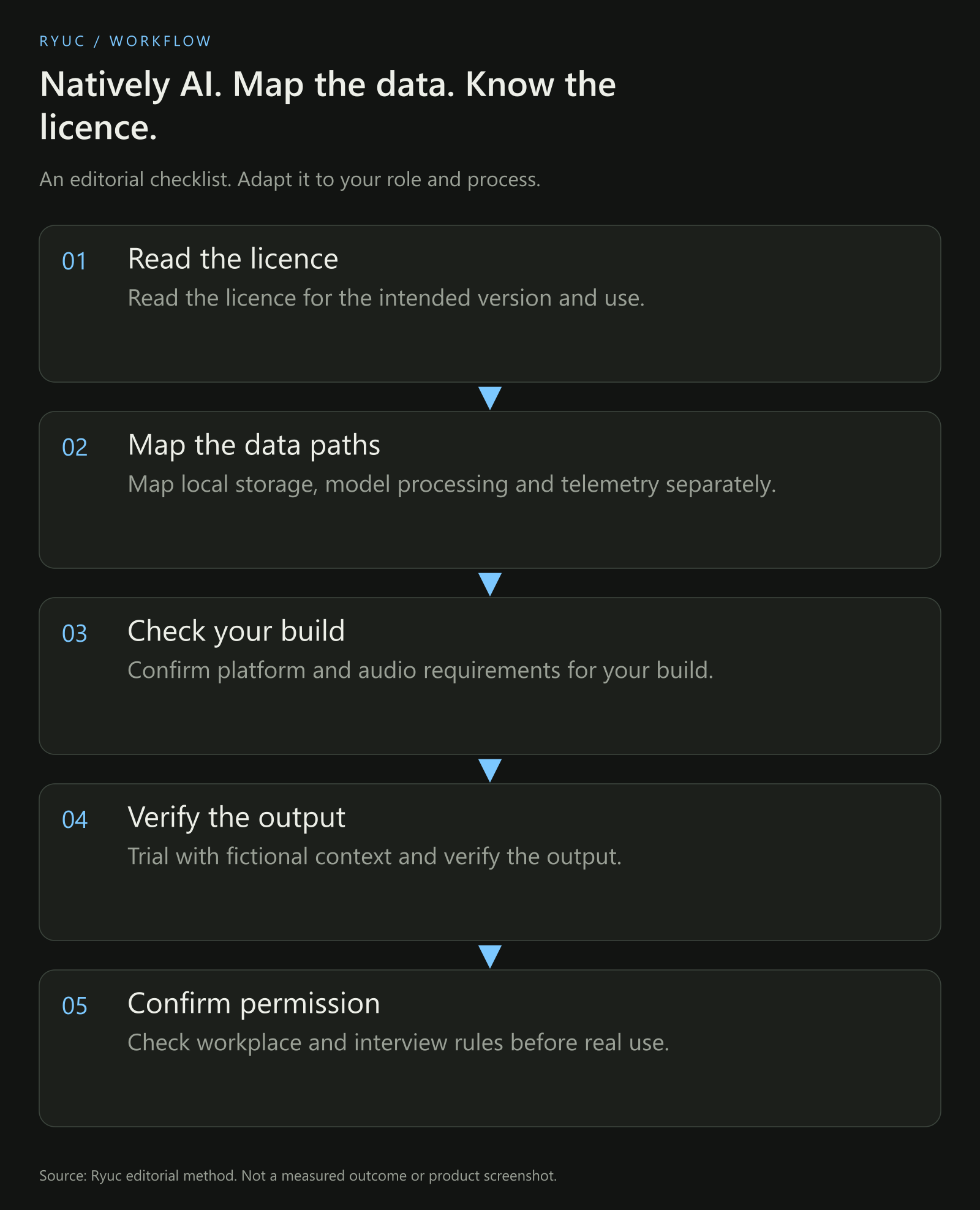
Our configuration-review method. We did not audit a running Natively installation.
Supply a small fictional brief and ask a question with a known answer. Then ask a question the brief cannot answer. Record whether the suggestion distinguishes the two cases and whether you can identify its source.
Evaluate notes separately from live suggestions. A useful summary should preserve decisions and uncertainty without turning a tentative remark into a commitment.
What should candidates and recruiters know?
Interview permission is a separate question from software architecture. Local inference does not create permission for prohibited assistance, and a concealed interface does not establish that a use is allowed.
Use an assistant to practice explaining real experience and reviewing your reasoning. Our mock-interview guide provides a repeatable structure.
Recruiters should focus on clear rules and evidence rather than assuming a particular operating-system event proves tool use. The Parakeet integrity guide explains that broader assessment problem.
Your next steps
- Read the licence for the intended version and use.
- Map local storage, model processing and telemetry separately.
- Confirm platform and audio requirements for your build.
- Trial with fictional context and verify the output.
- Check workplace and interview rules before real use.
Download the Natively configuration checklist.
Frequently asked questions
Does source-available mean unrestricted commercial use?
No. The licence determines the permissions and restrictions. The reviewed site specifically describes a personal-use licence, so an organization should check the actual terms before adopting or redistributing it.
Do local transcripts prove that no data reaches a cloud model?
No. Storage location and processing location are different. Inspect the selected model provider and the data sent to it. A cloud API configuration needs its own privacy and cost review.
Does this article verify the reported download or user counts?
No. We did not independently verify those figures. They are not needed to establish whether a particular configuration fits your requirements.